Digital Style
7 Phone Wallpaper Ideas That Actually Work on a Lock Screen
A photo can look beautiful by itself and still make a poor phone wallpaper. Clocks, widgets, notifications, app labels and vertical cropping all compete with the image once it is on a real screen.
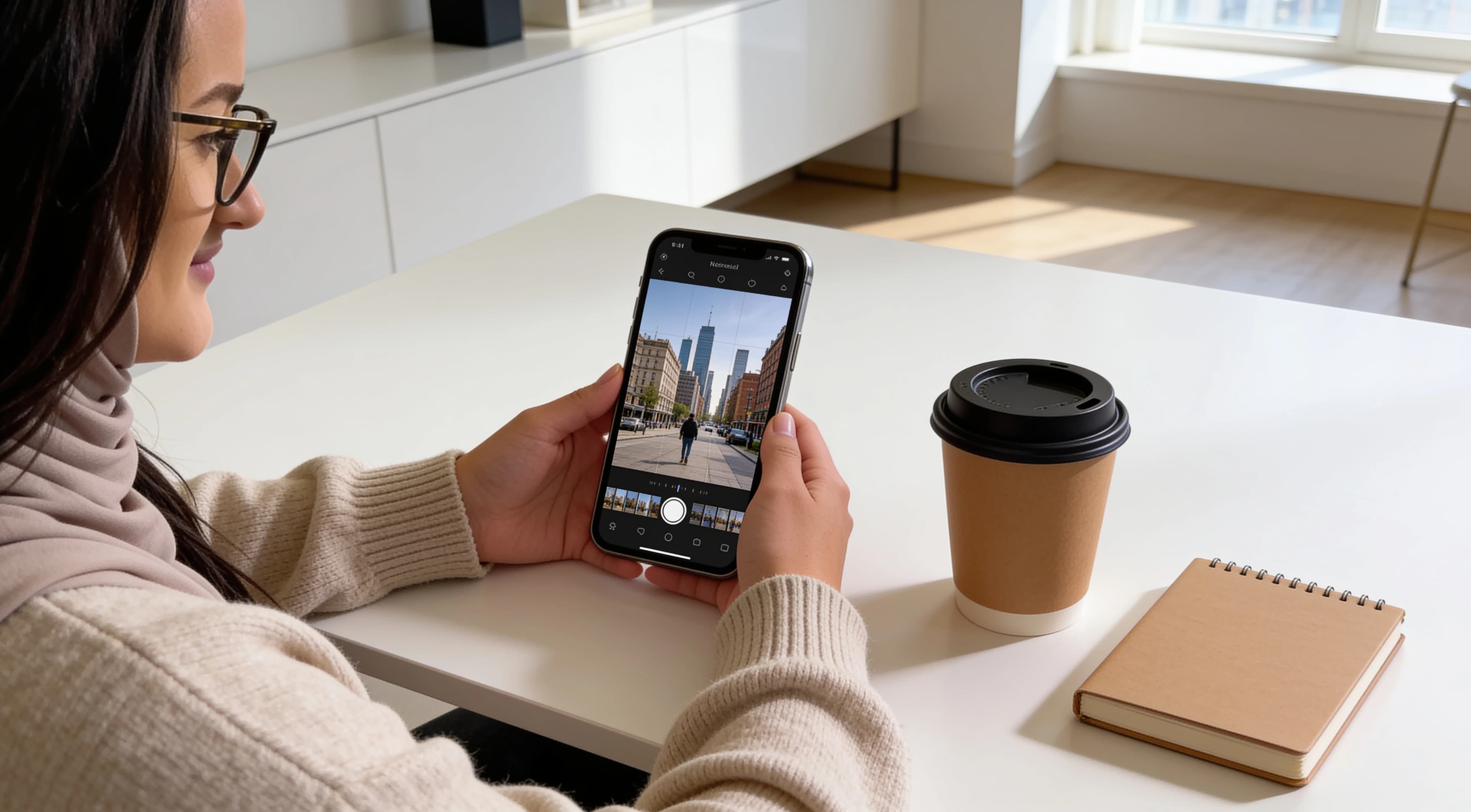
Quick answer
Leave room for the phone interface.
A good phone wallpaper leaves visual breathing room where the clock and icons appear, keeps the main subject away from important UI areas, and still looks balanced after the image is cropped vertically.
Wallpaper comparison
Which wallpaper style works for which screen?
| Wallpaper style | Best for | Main advantage | Watch for |
|---|---|---|---|
| Minimal subject with empty upper space | Lock screens | Clear clock area | Subject becoming too small |
| Dark city or night scene | OLED screens / evening look | Strong contrast for white UI | Crushed shadows |
| Soft window-light portrait | Personal aesthetic wallpapers | Natural depth and soft tones | Face behind clock/widgets |
| Architectural symmetry | Clean modern screens | Structured composition | Crop breaking symmetry |
| Nature scene with negative space | Calm wallpapers | Easy icon readability | Busy foliage behind text |
| Close texture / fabric / surface | Subtle home screens | Low visual distraction | Too much high-frequency detail |
| Blurred light / bokeh background | Icon-heavy home screens | Excellent readability | Image becoming too flat |
Seven ideas
7 phone wallpaper ideas that work on real screens
The best phone background ideas are not only about mood. They also need crop tolerance, readable contrast and enough quiet space for the screen layout you actually use.
IDEA 01
Minimal subject with empty upper space
What it looks like
A single person, object or architectural detail placed lower in the frame, with sky, wall, shadow or blurred background above it.
Best for
Lock screens
Why it works
The empty upper area gives the clock and date room to sit without fighting the subject. The lower subject still makes the wallpaper feel intentional rather than plain.
Watch for
Keep the subject large enough to feel visible after cropping. If it becomes tiny, the wallpaper may look more like a random background than a composed lock screen.
One easy variation
Use a plain wall, soft curtain, open sky or dark gradient as the quiet upper space.
IDEA 02
Dark city or night scene
What it looks like
City lights, evening streets, windows or reflections with a mostly dark background and a few controlled highlights.
Best for
OLED screens / evening look
Why it works
Many lock screens use light text, so darker wallpapers often keep the clock and notifications readable. Night scenes can also feel cleaner when icons sit over the darker parts of the image.
Watch for
Avoid making the shadows so heavy that all detail disappears. A good dark wallpaper still has enough midtone detail to feel like a photo rather than a black screen.
One easy variation
Try a night street, dark interior, window reflection or city skyline with the brightest lights away from the clock area.
IDEA 03
Soft window-light portrait
What it looks like
A softly lit portrait with gentle shadows, a simple background and enough separation between the face and the phone interface.
Best for
Personal aesthetic wallpapers
Why it works
Window light usually creates depth without harsh contrast. This can make a portrait feel calm and personal while still readable as a lock screen.
Watch for
Place the face away from the clock, notification stack and widget areas. If the eyes sit directly behind the time, the image may look awkward every time the screen wakes.
One easy variation
Frame the portrait slightly lower, use a side angle, or choose a crop where the background sits behind the clock instead of the face.
IDEA 04
Architectural symmetry
What it looks like
Doorways, arches, windows, stairs, tiles or building lines arranged with a clear center or repeating structure.
Best for
Clean modern screens
Why it works
Architecture gives the wallpaper built-in order. The phone screen becomes easier to read when lines and shapes feel controlled instead of scattered.
Watch for
Test the crop carefully. A small shift can make a symmetrical image feel unintentionally off-center, especially on tall screens.
One easy variation
Use a doorway, hallway, window frame or simple wall panel where the strongest lines remain visible after a vertical crop.
IDEA 05
Nature scene with negative space
What it looks like
Sky, water, sand, a distant horizon, a simple branch or greenery with open areas where text can sit clearly.
Best for
Calm wallpapers
Why it works
Negative space makes nature wallpapers easier to use because icons, labels and widgets are not competing with dense detail everywhere.
Watch for
Leaves, grass and branches can become visually noisy behind app labels. Let the busier part sit away from the most important text areas.
One easy variation
Choose a sky-heavy image, a quiet beach scene, a blurred garden background or a distant landscape with a simple horizon.
IDEA 06
Close texture / fabric / surface
What it looks like
A close crop of fabric, stone, wood, paper, satin, wall texture or another surface without a strong central subject.
Best for
Subtle home screens
Why it works
Textures can make a home screen feel designed without pulling attention away from app icons. They are useful when you want the phone to look calm but not empty.
Watch for
Fine detail can shimmer visually behind icon labels. Softer texture, lower contrast and gentle color variation usually work better than very sharp patterns.
One easy variation
Use blurred fabric, a matte wall, soft bedding, stone, plaster or a close-up surface with a simple color palette.
IDEA 07
Blurred light / bokeh background
What it looks like
Soft lights, window glow, blurred interiors or out-of-focus city color with no hard subject fighting the phone interface.
Best for
Icon-heavy home screens
Why it works
Blur reduces detail behind icons and labels, which makes the screen easier to scan. It is one of the most practical styles for busy home screens.
Watch for
If everything is too smooth, the wallpaper can feel generic. Keep a little color direction, light falloff or contrast so the background still has atmosphere.
One easy variation
Try blurred city lights, soft lamp glow, a window reflection or a portrait background cropped after the subject is removed.
Visual examples to compare
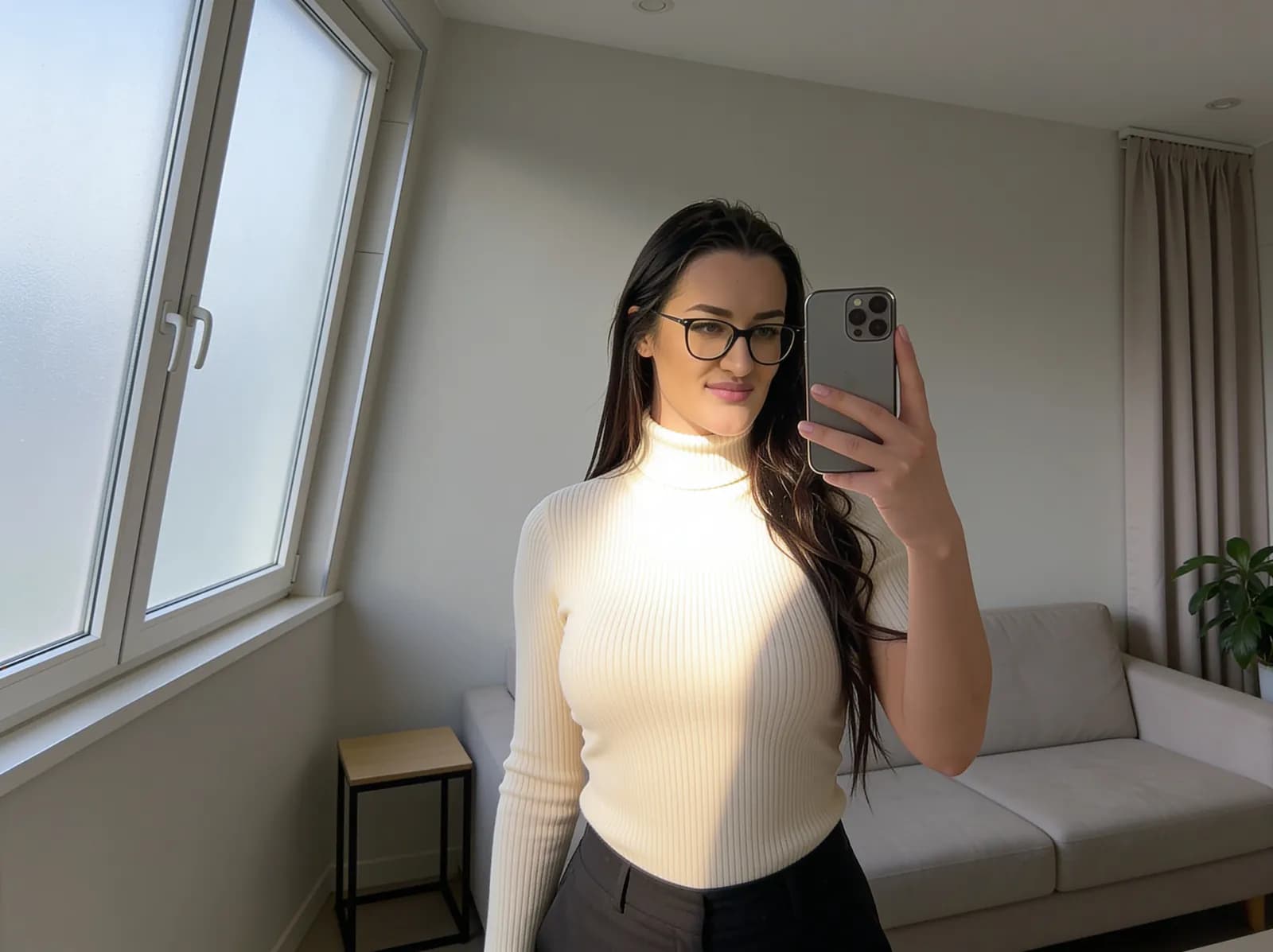
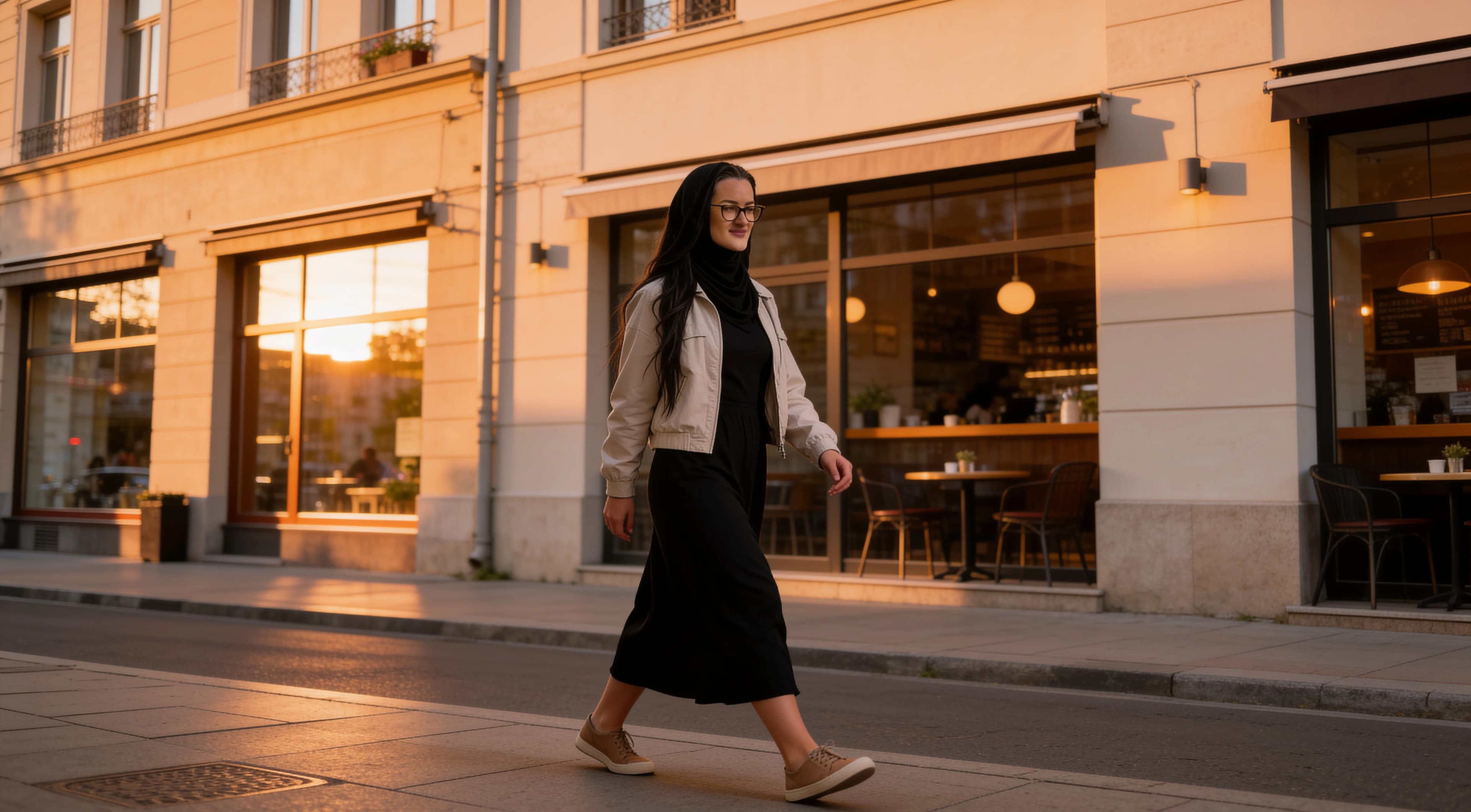
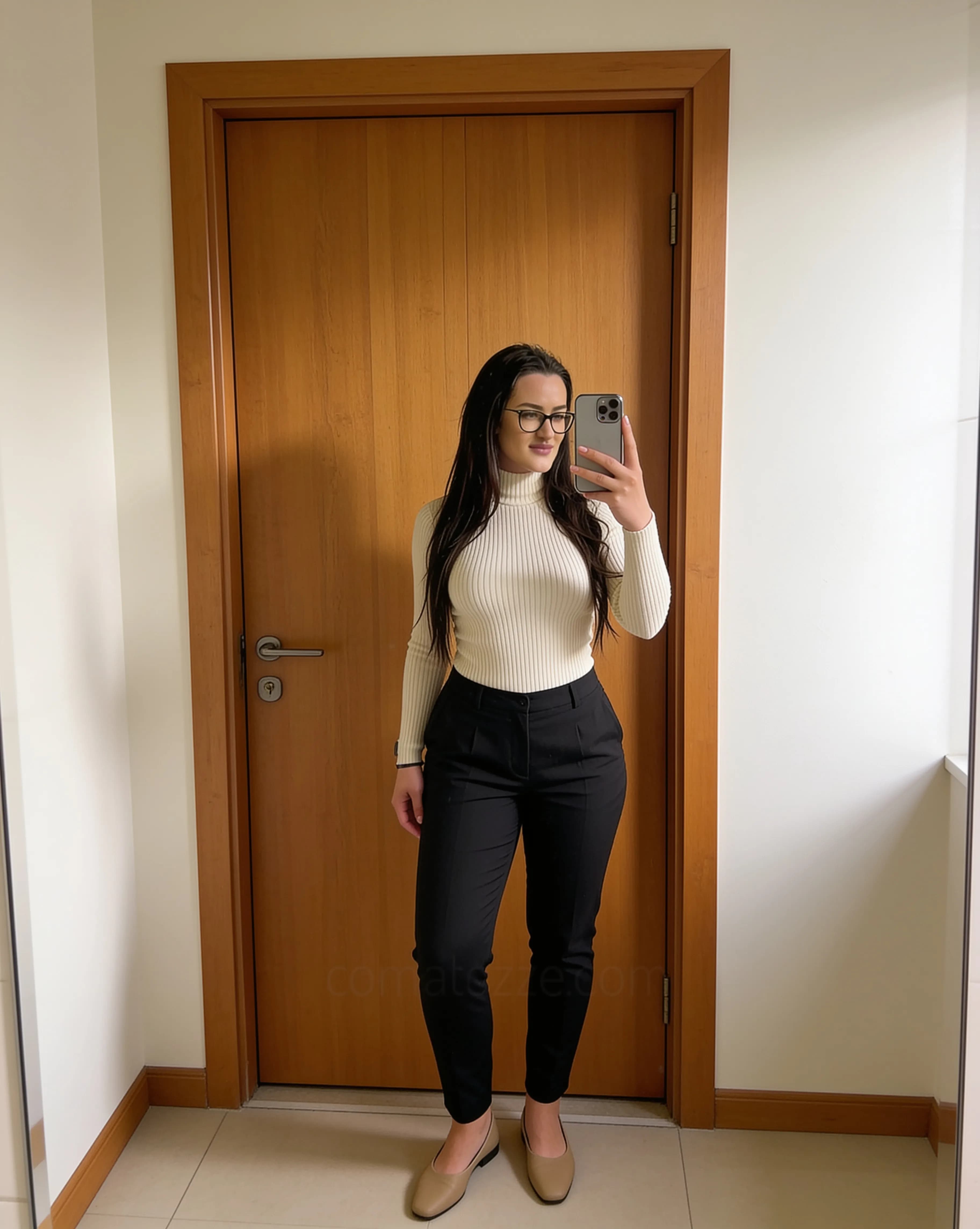
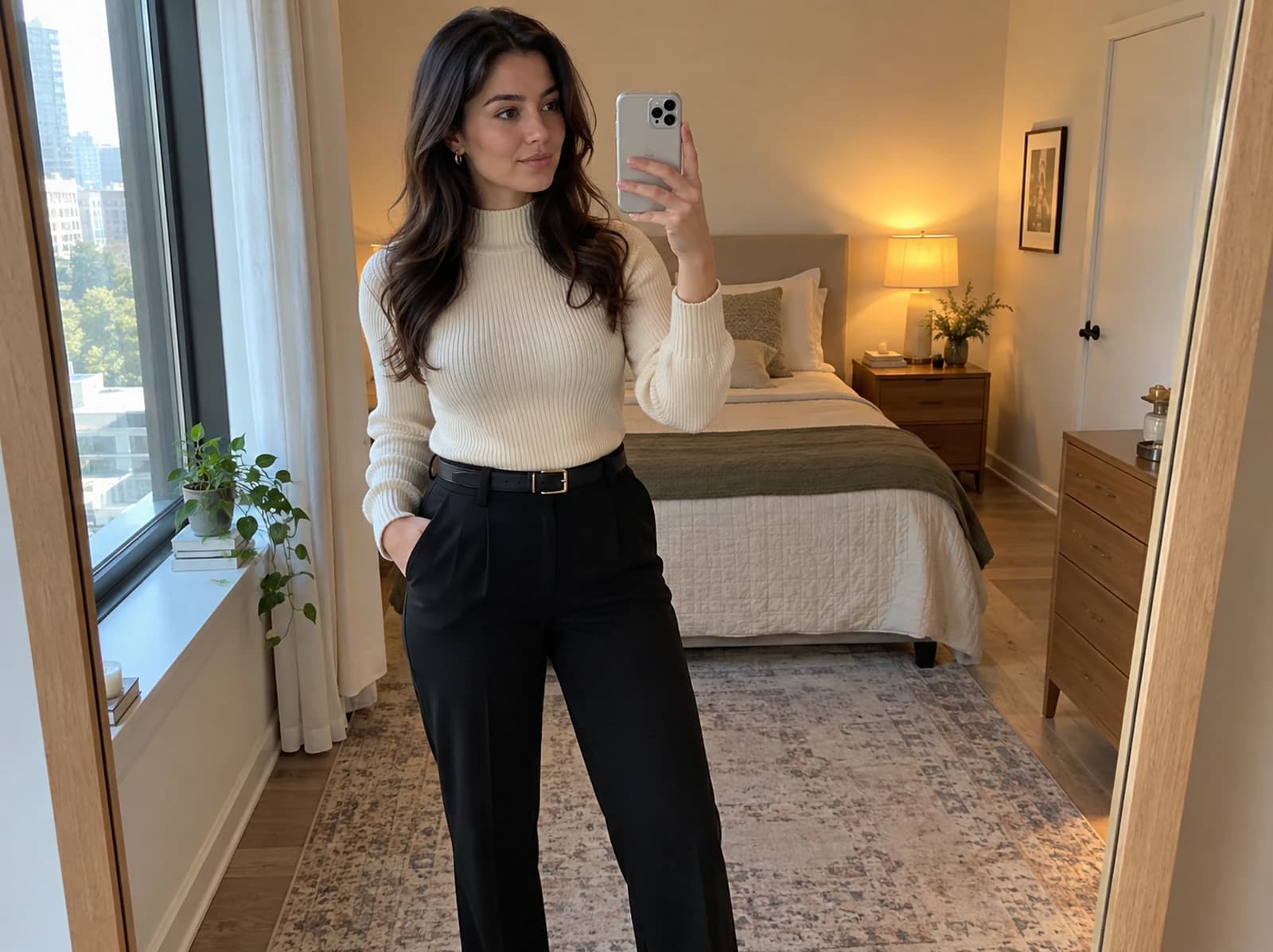
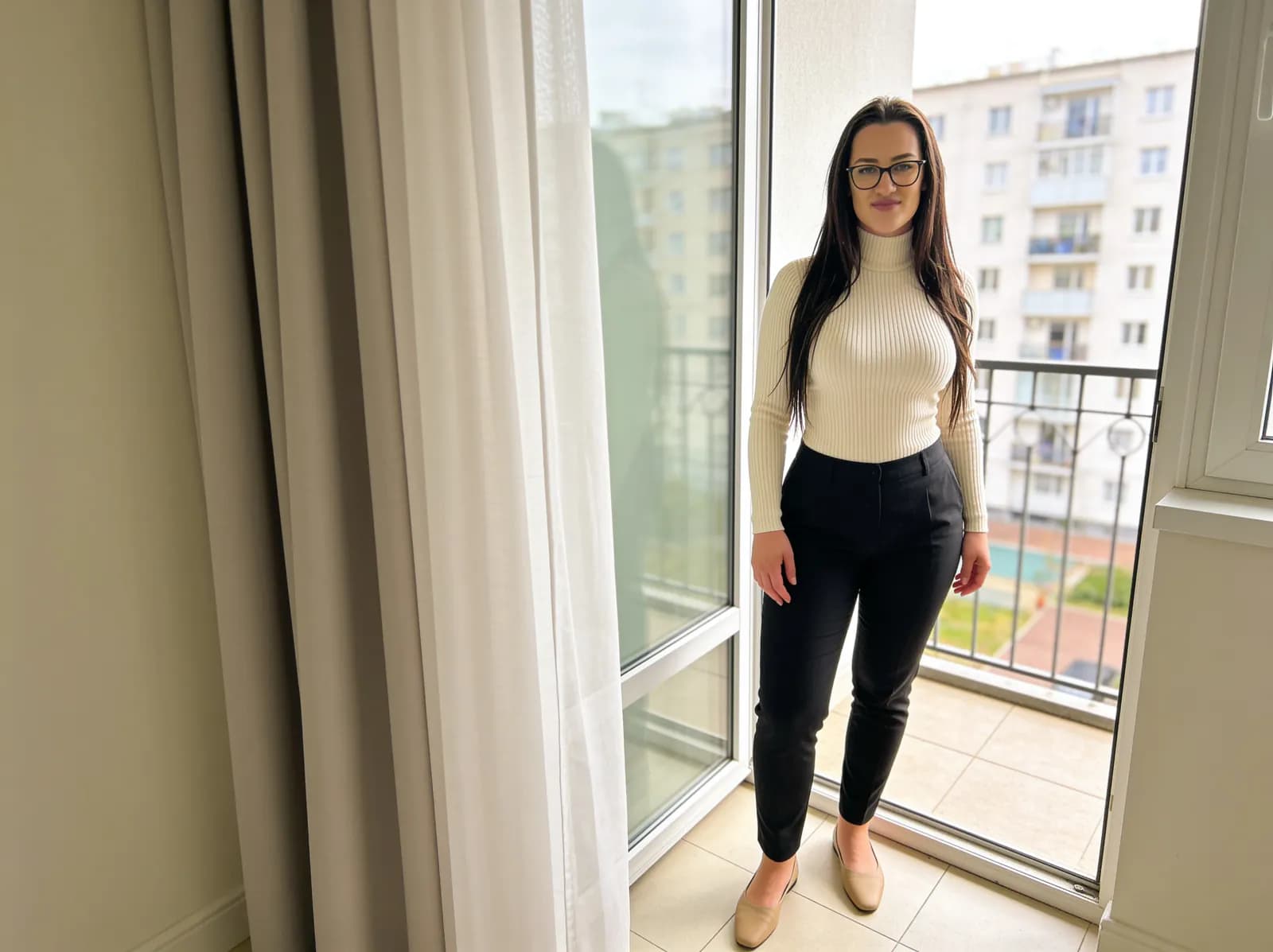
These examples show the kind of spacing, contrast and subject placement to look for before setting a wallpaper.
Lock screen vs home screen
A lock screen usually has a clock and date near the top, plus notifications or shortcuts lower on the screen. Subject placement matters more here because a face, object or strong line can collide with the phone UI. The upper-middle region often needs breathing room.
A home screen is different. App icons, widgets and labels cover more of the image, so the wallpaper usually needs to be calmer. Busy detail behind labels reduces readability. The exact layout varies by device, launcher, operating system and personal settings, so always preview the wallpaper on the actual screen layout.
Where should the subject sit?
Center placement can work, but it may conflict with the clock if the subject sits too high. For portraits, the lower third often works well because the face and body stay visible while the clock has cleaner space above.
Edge placement can also work if you test the crop. Keep important details away from screen edges, especially faces, hands, text, strong vertical lines and anything that would look strange if it were clipped by the wallpaper crop.
How much empty space is enough?
Negative space does not have to mean a blank image. It can be a plain wall, open sky, a blurred background, a dark gradient or a simple architectural surface. The point is to give the phone interface a quiet area where text can remain readable.
If the wallpaper still looks balanced after the clock, widgets and icons appear, the empty space is doing its job. If the image only works when viewed without the phone UI, it may need a looser crop.
Light vs dark wallpapers
Light wallpapers
Light wallpapers can feel fresh and clean, especially with soft walls, sky or bright interiors. They can also make icons harder to read when bright areas sit directly behind labels or clock text.
Dark wallpapers
Dark wallpapers often improve white text visibility and can feel cleaner at night. The tradeoff is that shadow detail can disappear if the image is edited too dark.
Neither style is universally better. The best choice depends on the image, the phone layout and whether you prefer a fresh, bright screen or a calmer dark one.
How to crop a photo for wallpaper
1. Start with a vertical image whenever possible.
2. Preview it at full-screen height.
3. Place the subject first.
4. Check the top clock area.
5. Check the bottom shortcut or icon area.
6. Zoom slightly only if needed.
7. Avoid cutting hands, face, head or strong lines awkwardly.
8. Preview before saving.
If the edit itself is making the image too harsh, use a gentler workflow like the one in how to edit phone photos naturally.
Common wallpaper mistakes
Placing a face behind the clock
A portrait can look strong as a photo but awkward as a lock screen if the clock covers the eyes, forehead or expression.
Too much detail behind icons
Leaves, text, shelves, patterned fabric and sharp city detail can make app labels harder to read.
Using a horizontal image with an aggressive crop
Some horizontal photos work, but a tight vertical crop can cut away the part that made the image good in the first place.
Putting important subject matter too close to the edge
Wallpaper cropping and display framing can trim the visible edges. Keep faces, hands and strong lines away from the border when possible.
Oversharpening
Extra sharpness may look punchy in a feed but can become harsh behind icons and text.
Very bright hotspots
A bright lamp, window or reflection behind the clock can make white text difficult to read.
Unreadable text or icons
If the wallpaper makes the phone harder to use, the composition needs to be calmer or the crop needs to move.
Editing only for Instagram instead of phone UI
A photo crop that works as a square post may not leave enough room for the clock, widgets or app labels.
Quick test before using a wallpaper
✓ Can I read the clock clearly?
✓ Are icons easy to see?
✓ Is the main subject unobstructed?
✓ Does the crop still feel balanced?
✓ Are any bright or dark areas distracting?
✓ Does it still look good with notifications or widgets?
Create one image for two uses
A photo can work for both a social post and a phone wallpaper if it is composed with extra space. Avoid very tight crops while shooting. Leave room above and around the subject so the image can be adapted later.
For indoor images, simple backgrounds and window light make this easier. The guides to home photo backgrounds and natural indoor phone photography show useful ways to create cleaner source images before you crop them as wallpapers.
Prefer ready-made wallpapers?
If you want finished SofiaRusso phone backgrounds instead of cropping your own photos, browse the free HD phone wallpapers.
About the visual examples
Sofia is a fictional virtual creator. Any visual examples on this page are digitally created and used to demonstrate composition, spacing, cropping and wallpaper layout ideas.
About this guide
Sofia is a fictional virtual creator. This guide is published by SofiaRusso.vip and maintained by the site owner. AI tools may assist with drafting or illustrative imagery, while the final published material is reviewed before publication.