Photography Guide
7 City Night Photography Tips for Better Phone Photos
City night photography is not just about making everything brighter. Better low light phone photography usually comes from managing light, movement, exposure and composition so the scene still feels like night.
Quick answer
Stabilize first, then protect the light.
For cleaner city night photos, stabilize the phone, protect bright highlights, use available light deliberately, avoid unnecessary digital zoom, and take several frames when people or traffic are moving.
Tip comparison
What each night photo tip helps with
| Tip | Helps with | Best situation | Watch for |
|---|---|---|---|
| Stabilize the phone | Blur | Static scenes | Moving subjects |
| Tap exposure on bright areas | Blown highlights | Signs, windows, streetlights | Shadows becoming too dark |
| Use existing light as part of the composition | Depth and mood | Streets, cafés, shopfronts | Mixed color casts |
| Avoid heavy digital zoom | Detail | Distant scenes | Needing to crop later |
| Shoot several frames | Movement and timing | People, traffic, reflections | Filling storage unnecessarily |
| Look for reflections and leading lines | Composition | Wet streets, windows, roads | Clutter |
| Edit lightly after shooting | Contrast and color | Almost any night image | Crushed blacks and unnatural saturation |
Seven tips
7 city night photography tips that make the biggest difference
These tips focus on realistic phone night photography: reducing hand movement, protecting bright lights, using reflections and editing gently instead of trying to force a phone to behave like a large camera in every situation.
TIP 01
Stabilize the phone
What to do
Hold the phone with both hands, slow down before pressing the shutter, and brace yourself against something stable when possible.
Why it helps
At night, the camera often needs more time to gather light. Reducing hand movement gives buildings, signs and street details a better chance of staying sharp.
Best situation
Static scenes
Watch for
Stability helps with your movement, not everything in the scene. A person walking through the frame or a passing car can still blur.
One simple example
For a quiet street corner, lean lightly against a wall, frame the shot, breathe out, then take two or three versions instead of one rushed photo.
TIP 02
Tap exposure on bright areas
What to do
When your camera app allows it, tap or adjust exposure around the brightest important area, such as a sign, window or illuminated storefront.
Why it helps
Bright city lights can turn into solid white patches. Protecting those highlights often keeps the photo cleaner and more believable.
Best situation
Signs, windows, streetlights
Watch for
Lowering exposure can make shadows darker. The goal is not to make everything visible; it is to keep the brightest parts from losing all detail.
One simple example
If a café sign is glowing too brightly, expose for the sign first, then let the darker street stay slightly moody.
TIP 03
Use existing light as part of the composition
What to do
Look for light that already shapes the scene: windows, signs, café interiors, streetlights, headlights or reflections on the pavement.
Why it helps
Available light can separate the subject from the background and give the image depth without needing a brighter edit later.
Best situation
Streets, cafés, shopfronts
Watch for
City light often mixes warm streetlights, cool signs and shop lighting. Not every color needs to be neutralized.
One simple example
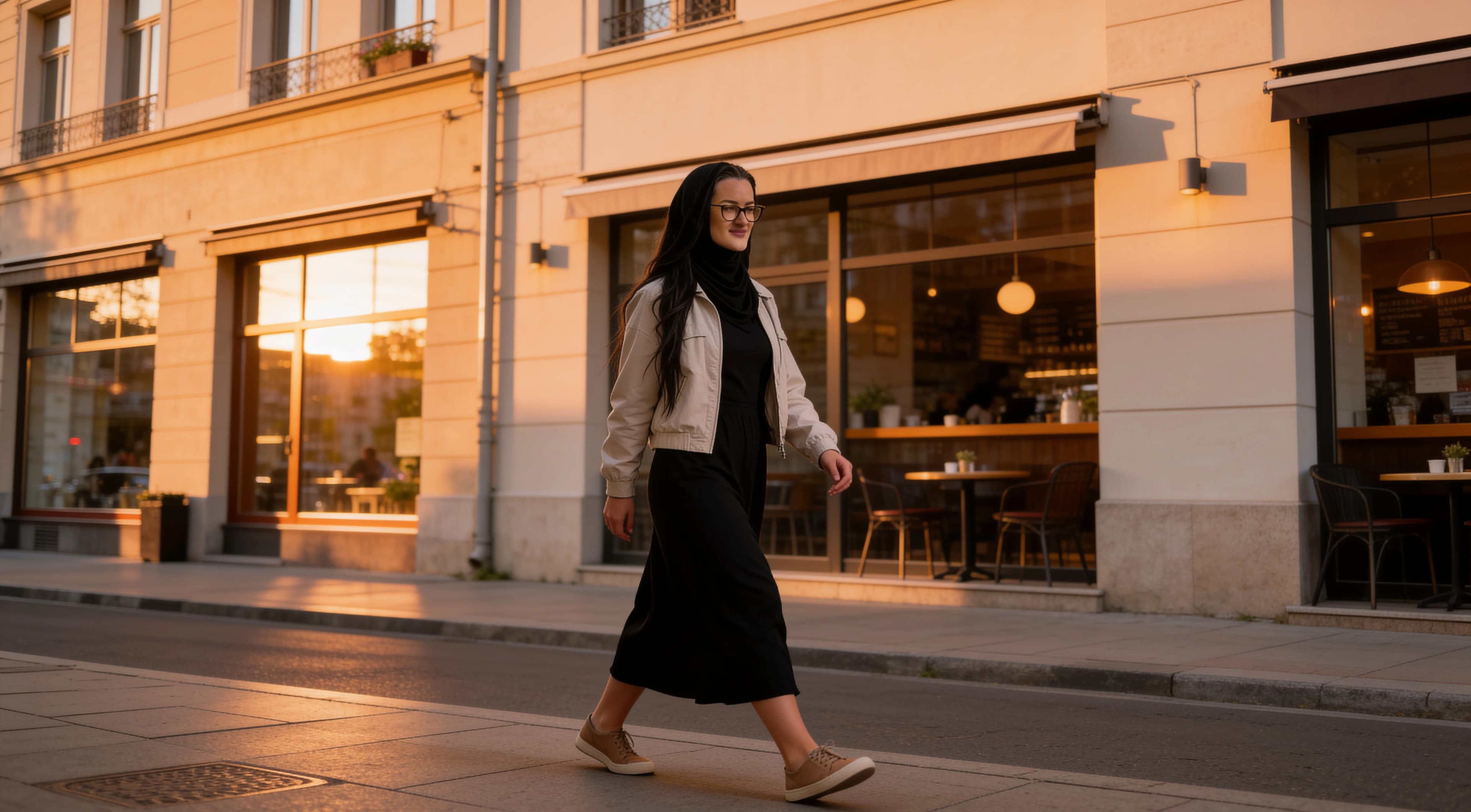
Place a person near an illuminated shop window so the window gives the face or outfit shape while the street stays darker behind them.
TIP 04
Avoid heavy digital zoom
What to do
Use the normal camera view or an optical lens option if your phone has one. Move closer when it is safe and practical.
Why it helps
Heavy digital zoom often reduces usable detail, and night photos already have less clean detail to spare.
Best situation
Distant scenes
Watch for
Sometimes you cannot move closer. In that case, take a wider photo and crop later only as much as the image can handle.
One simple example
Instead of zooming hard into a distant neon sign, include the street around it and use the sign as one bright element in a wider composition.
TIP 05
Shoot several frames
What to do
Take several versions when cars, people or reflections are moving through the frame. Small timing changes can make a large difference.
Why it helps
Night scenes change quickly. One frame may catch a person mid-step, headlights in the wrong place or a reflection at its weakest moment.
Best situation
People, traffic, reflections
Watch for
Do not keep dozens of nearly identical photos. Review them later and delete the weaker versions.
One simple example
When traffic passes through a wet street, take a short burst of separate frames so you can choose the one where the reflections and car lights align best.
TIP 06
Look for reflections and leading lines
What to do
Use wet pavement, windows, puddles, car surfaces, road markings, railings or building edges to guide the viewer through the frame.
Why it helps
Reflections and lines create depth without requiring the whole image to be bright. They can make a simple street scene feel more intentional.
Best situation
Wet streets, windows, roads
Watch for
Too many signs, parked cars and bright objects can weaken the composition. Shift your angle until the strongest line or reflection is clear.
One simple example
Photograph a row of lights reflected on wet pavement from a low angle, using the road edge to lead toward the brightest storefront.
TIP 07
Edit lightly after shooting
What to do
Make small edits after choosing the strongest frame: modest exposure, careful highlights, gentle contrast and restrained color.
Why it helps
Night photos can look flat or too warm straight from the camera, but heavy edits often make noise, halos and strange colors more obvious.
Best situation
Almost any night image
Watch for
Avoid forcing every shadow open or every color to pop. A natural night photo can keep some darkness.
One simple example
Reduce a bright sign slightly, lift the darkest street shadows only a little, and stop before the pavement turns crunchy or the colors look artificial.
Visual references
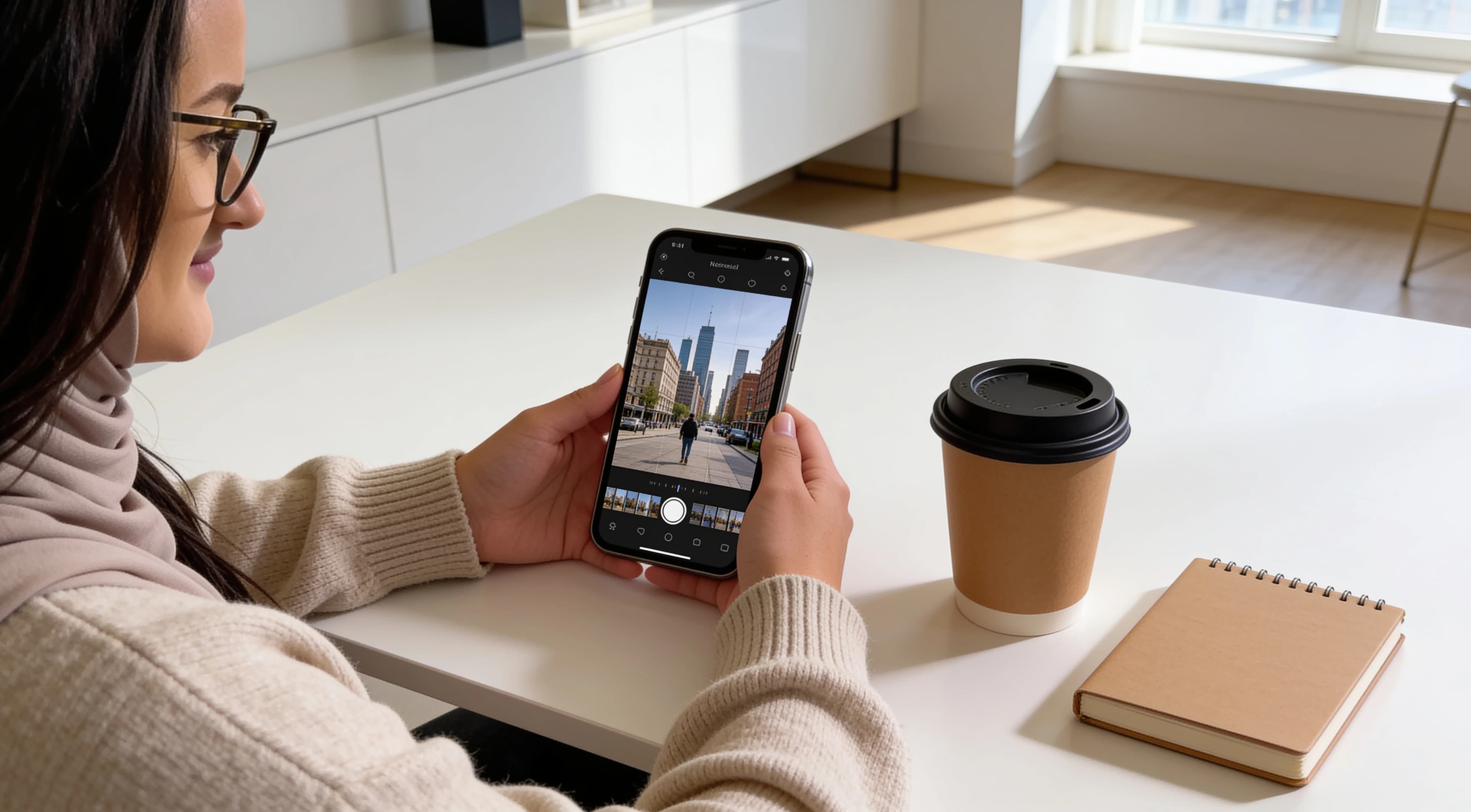
These existing examples are included as general references for composition and natural editing, not as fake before-and-after comparisons.
Why night photos often look blurry
Blur usually comes from two different problems. Camera movement happens when the phone moves during capture. Subject movement happens when a person, car or other part of the scene moves while the exposure is being captured.
Stabilizing the phone helps with camera movement. It does not freeze a moving subject. If someone is walking through a dark street, you may need better timing, a brighter area of light or several frames to get a usable result.
How to hold the phone more steadily
1. Use both hands instead of shooting one-handed.
2. Tuck your elbows closer to your body.
3. Lean against a wall, post or railing when it is safe.
4. Place the phone on a stable surface only where safe.
5. Use a timer when the phone is resting on something stable.
Avoid balancing the phone near traffic, ledges or anywhere a fall would be dangerous. A slightly less perfect angle is better than an unsafe setup.
Protect bright highlights
Streetlights, signs, illuminated windows and headlights can become solid white patches at night. Once those areas lose detail, the photo can look harsh even if the rest of the frame is interesting.
Many phone camera apps let you tap a part of the frame or adjust exposure manually. Controls vary by device, but the idea is simple: keep important bright areas under control, then accept that some shadows may stay dark.
When night mode helps
Night mode is usually most useful for static or mostly static scenes: buildings, signs, streets, interiors and skyline views. On some phones, it may combine information from multiple moments or frames to create a brighter result.
Movement can still create softness or ghosting, and the exact behavior varies by phone. If people or cars are moving through the scene, take several versions and check the result before assuming night mode solved it.
Avoid unnecessary digital zoom
Digital zoom often reduces usable detail, especially in low light. Moving closer is usually better when it is safe and does not change the scene too much.
If moving closer is not possible, take a wider frame and crop later only as much as the image allows. Optical camera and lens options vary by device, so use the cleanest option your phone provides.
Use reflections deliberately
Wet pavement, windows, car surfaces, puddles and glass can reflect city lights and make a night scene feel deeper. Reflections are useful because they add brightness and structure without requiring a heavy edit.
Look for one reflection that supports the subject rather than many competing reflections. A simple reflected sign or streetlight can be stronger than a frame filled with random bright patches.
Mixed lighting and color
City scenes often combine warm streetlights, cool signs, shop lighting and headlights. That mix can be part of the atmosphere, so not every color needs to be neutralized.
If the colors feel distracting, reduce the most extreme cast slightly rather than forcing the whole image into one neutral temperature. For more color guidance, see how to choose colors that photograph well.
How to edit city night photos naturally
Editing helps most city night photos, but the strongest edits are usually restrained. Use this sequence as a starting point, then stop before the image starts looking artificial.
1. Adjust exposure modestly.
2. Recover highlights if needed.
3. Open shadows carefully.
4. Check white balance.
5. Add contrast gently.
6. Reduce excessive saturation.
7. Sharpen cautiously.
8. Stop before shadows become pure black everywhere.
For a fuller editing workflow, read how to edit phone photos naturally.
Common city night photo mistakes
Shooting while walking
Even a small step can soften a night photo. Stop moving before pressing the shutter whenever sharpness matters.
Exposing for dark shadows and blowing highlights
Trying to brighten every shadow can turn signs, windows and streetlights into white patches with no detail.
Excessive zoom
Heavy digital zoom can make low-light detail look rough and unstable. Compose wider when the zoomed result falls apart.
Overusing night mode on moving subjects
Night mode can help static scenes, but moving people, cars and lights may still appear soft or ghosted.
Over-brightening the entire image
Night images usually need some darkness. Making the whole frame bright can remove the mood and reveal noise.
Excessive noise reduction
Strong noise reduction can smear small details and make walls, skin or pavement look waxy.
Extreme saturation
City lights are already colorful. Pushing saturation too far can make signs and reflections look unnatural.
Ignoring distracting bright signs at frame edges
A bright object on the edge can pull attention away from the subject. Reframe or crop if it dominates the photo.
Quick checklist before taking the photo
✓ Is the phone stable?
✓ Is the subject moving?
✓ Are bright lights blown out?
✓ Is digital zoom really necessary?
✓ Is there a cleaner angle?
✓ Can reflections or lines improve the frame?
✓ Should I take several versions?
Simple city-night compositions to try
Person near an illuminated shop window
The window provides shape and direction while the darker street gives the subject separation.
Wet street with reflected lights
Reflections add depth and color without needing to brighten the whole scene.
Symmetrical street or building
Centered lines can make a busy night scene feel organized and easier to read.
Silhouette against brighter storefront
A darker figure can work when the bright background creates a clean outline.
Café window from outside
Warm interior light, glass reflections and street darkness can create layers in a simple frame.
Distant traffic lights with foreground interest
A railing, plant, curb or reflection in the foreground helps the image feel less flat.
Plan the walk, then make the frame
Better city photography at night often starts before the first photo. A short route with shopfronts, reflections and quieter side streets gives you more chances to find clean light. For route ideas, read how to plan a simple city photo walk.
Some city night photos also make strong phone backgrounds when they leave enough space for the clock and icons. If that is your goal, see phone wallpaper ideas that work on real screens.
About the visual examples
Sofia is a fictional virtual creator. Any visual examples on this page are digitally created and used to illustrate night-photography composition, lighting and editing concepts.
About this guide
Sofia is a fictional virtual creator. This guide is published by SofiaRusso.vip and maintained by the site owner. AI tools may assist with drafting or illustrative imagery, while the final published material is reviewed before publication.