Photography
How to Plan a City Photo Walk: 7 Practical Steps
A good city photo walk is easier when the route has variety, usable light, manageable walking distance and a few planned photo opportunities. The goal is not to control every frame, but to give yourself enough structure that the walk does not rely entirely on luck.
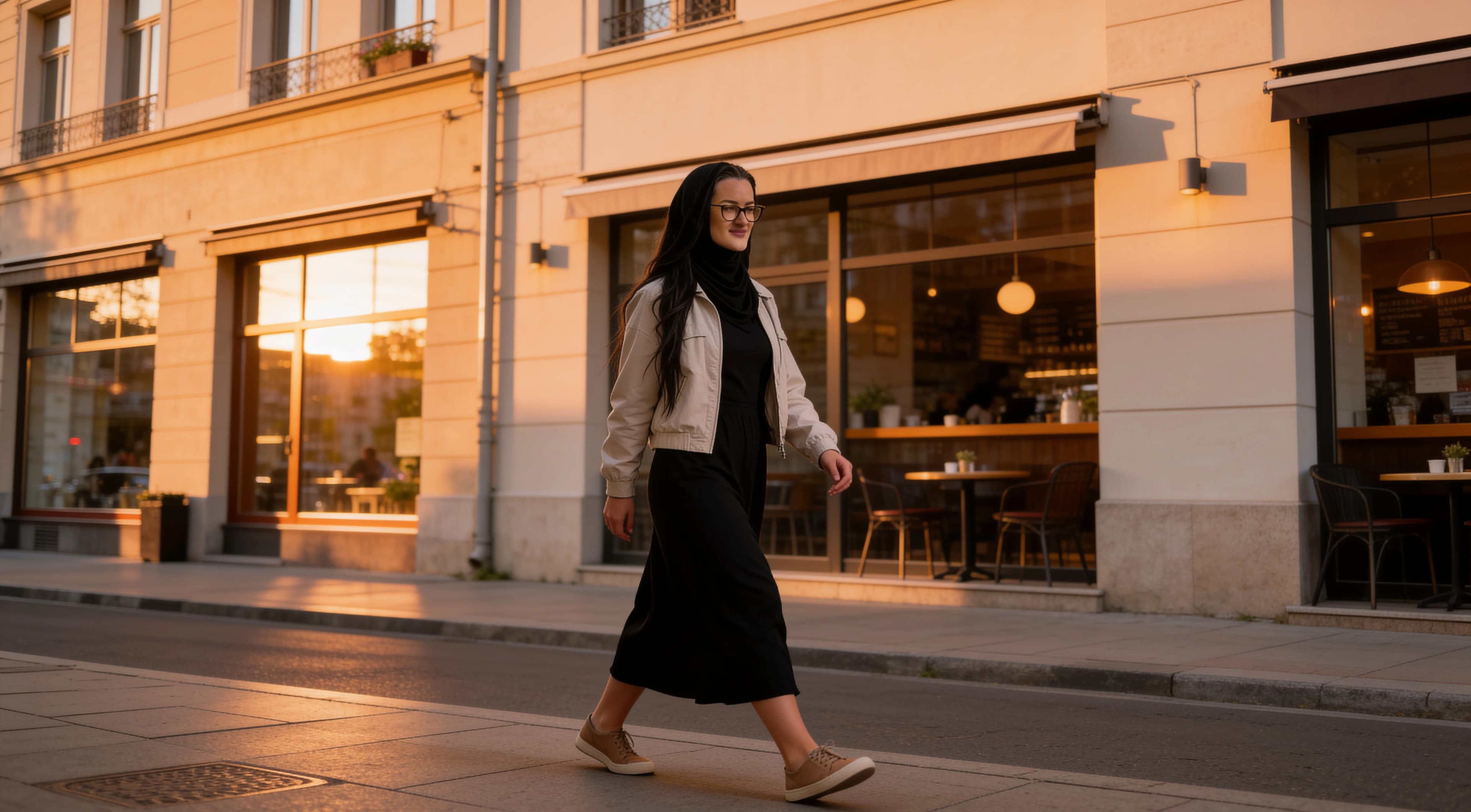
Quick answer
Keep the route simple and visually varied.
Choose a short route with several different scene types, check the light and weather, identify a few likely stops, leave extra time for unexpected frames, and keep the route simple enough that photography stays the priority.
Planning comparison
What each planning step is for
| Planning step | Main purpose | Useful for | Watch for |
|---|---|---|---|
| Choose a compact route | Reduce wasted walking | First-time photo walks | Making route too ambitious |
| Pick the right time | Usable light and atmosphere | Outdoor streets and architecture | Changing weather/light |
| Plan 3-5 anchor locations | Planned visual variety | Structured walks | Overplanning |
| Look for different scene types | Varied final photo set | Storytelling | Repeating the same composition |
| Leave time between stops | Spontaneous photos | Street details and unexpected moments | Rushing |
| Keep gear simple | Stay mobile | Phone photography | Unnecessary accessories |
| Review as you go | Notice missing shot types | Balanced photo sets | Checking screen constantly |
City walk workflow
7 practical steps for planning a city photo walk
A plan should help you notice more, not turn the outing into a rigid assignment. Use these steps to keep the walk focused while leaving room for the city to surprise you.
STEP 01
Choose a compact route
What to do
Pick a route that is short enough to repeat slowly, with a clear start point, end point and several places to pause.
Why it helps
A compact route keeps photography as the priority. You spend less time crossing empty distance and more time observing light, backgrounds and details.
Best situation
This is especially useful for first-time photo walks, solo walks or days when light or weather may change quickly.
Watch for
Avoid building a route around too many neighborhoods or landmarks. A route that looks exciting on a map can become tiring and unfocused in practice.
One practical example
Start on a quiet street, walk toward a storefront area, pass one open square and finish near a well-lit corner or transit stop.
STEP 02
Pick the right time
What to do
Choose a time window based on the kind of light and atmosphere you want: morning, late afternoon, blue hour or night.
Why it helps
Time of day changes shadows, color, crowds, reflections and shop lights. Planning the timing makes the walk less dependent on luck.
Best situation
Use morning for quieter streets, late afternoon for warmer directional light, blue hour for city mood and night for signs, windows and reflections.
Watch for
Light and weather can shift faster than expected. Give yourself a simple backup idea if the original light does not work.
One practical example
If the goal is storefronts and reflections, begin before sunset and finish when interior lights and street lights start showing.
STEP 03
Plan 3-5 anchor locations
What to do
Choose a few likely stops before leaving, such as one architecture stop, one cafe or shopfront, one open street or square, one detail area and one optional night/reflection location.
Why it helps
Anchor stops give the walk structure without turning it into a rigid schedule. They help guarantee variety even if the moments between them are unpredictable.
Best situation
Use anchor locations when you want a reliable final set instead of hoping every good photo appears spontaneously.
Watch for
Overplanning can make you ignore better scenes nearby. Treat anchors as guides, not assignments.
One practical example
Plan a doorway, a cafe corner, a textured wall, an open square and a possible blue-hour street light as loose stops.
STEP 04
Look for different scene types
What to do
Mix architecture, storefronts, quiet side streets, reflections, cafes, parks, signage, transit, open squares and textured walls.
Why it helps
Different scene types make the final photo set feel more complete. They also push you to vary distance, framing and subject matter.
Best situation
This helps when you want the walk to tell a small visual story rather than produce many versions of the same street photo.
Watch for
Repeating one strong composition can make the set feel smaller than the walk actually was.
One practical example
After a wide architecture shot, look for a close detail, a reflection, a sign, a quiet wall and one street-perspective frame.
STEP 05
Leave time between stops
What to do
Build space into the walk so you can stop for light, shadows, reflections, textures and small discoveries between planned locations.
Why it helps
The best city photo walk usually includes planned structure and unplanned frames. Extra time keeps you from rushing past useful details.
Best situation
This is useful for street details, changing light, reflections after rain and scenes that only become visible from one angle.
Watch for
If every stop has a strict time limit, the walk can become a commute with photos attached.
One practical example
Give yourself several minutes between the cafe stop and the open square to photograph signs, textures, shadows or reflected light.
STEP 06
Keep gear simple
What to do
For a phone photo walk, bring the phone, a charged battery, a small power bank if needed, a lens cloth, weather protection if needed and comfortable shoes.
Why it helps
Simple gear helps you stay mobile and pay attention to the city instead of managing accessories.
Best situation
Use a simple setup when the route includes walking, changing light, transit stops or crowded areas.
Watch for
Unnecessary accessories can slow the walk down and make you miss quick changes in light or activity.
One practical example
A clean phone lens, enough battery and comfortable shoes will usually matter more than carrying extra equipment.
STEP 07
Review as you go
What to do
Every few stops, briefly check whether the images are sharp, exposed well and varied enough.
Why it helps
A quick review helps you notice if every photo is wide, every frame has the same background or important scenes are missing.
Best situation
This works well near a natural pause, such as a cafe, bench, square edge or transit stop.
Watch for
Do not spend the whole walk editing. Review just enough to guide the next photos.
One practical example
After two stops, check whether you have at least one wide scene, one detail, one portrait-style frame and one strong light/shadow image.
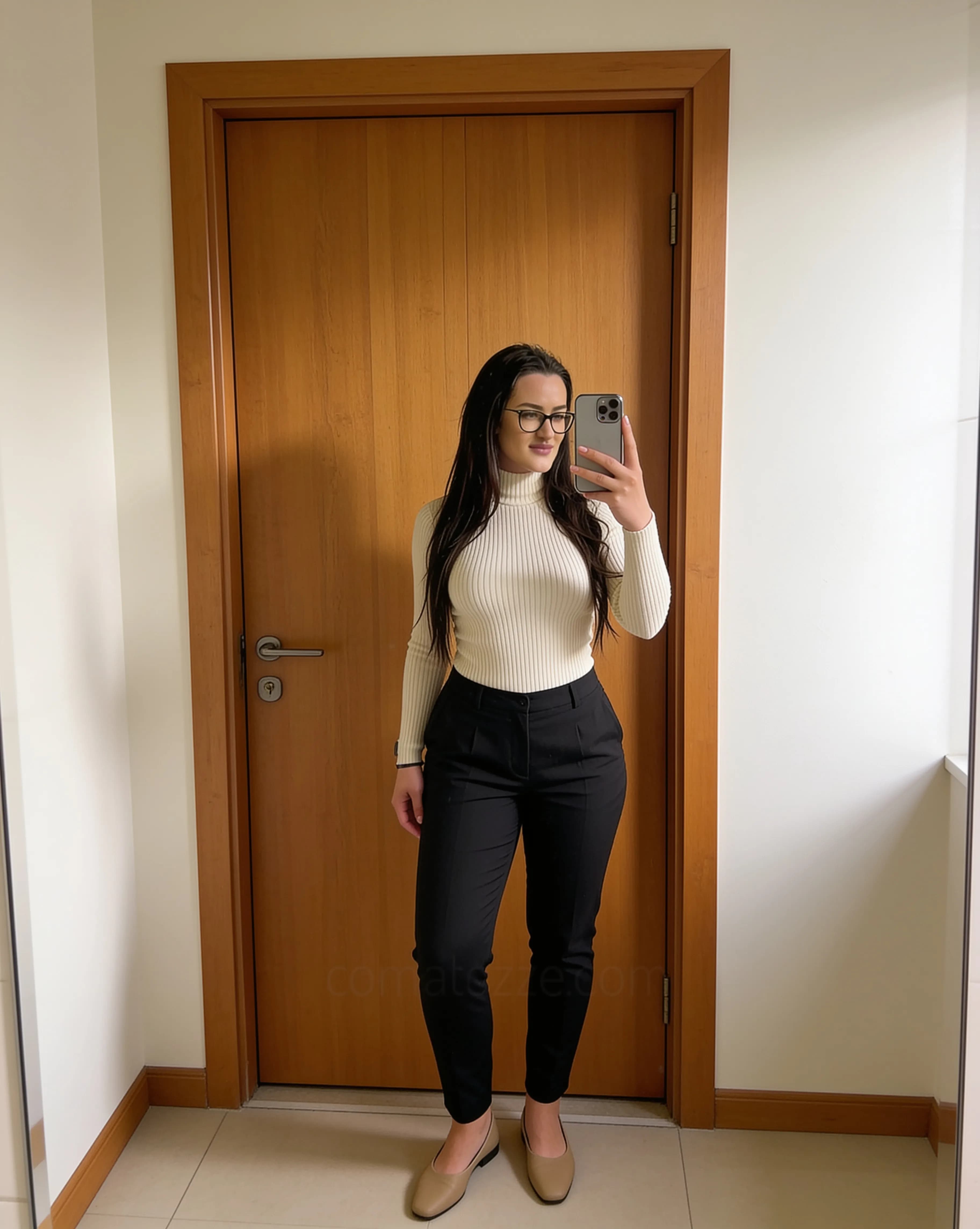
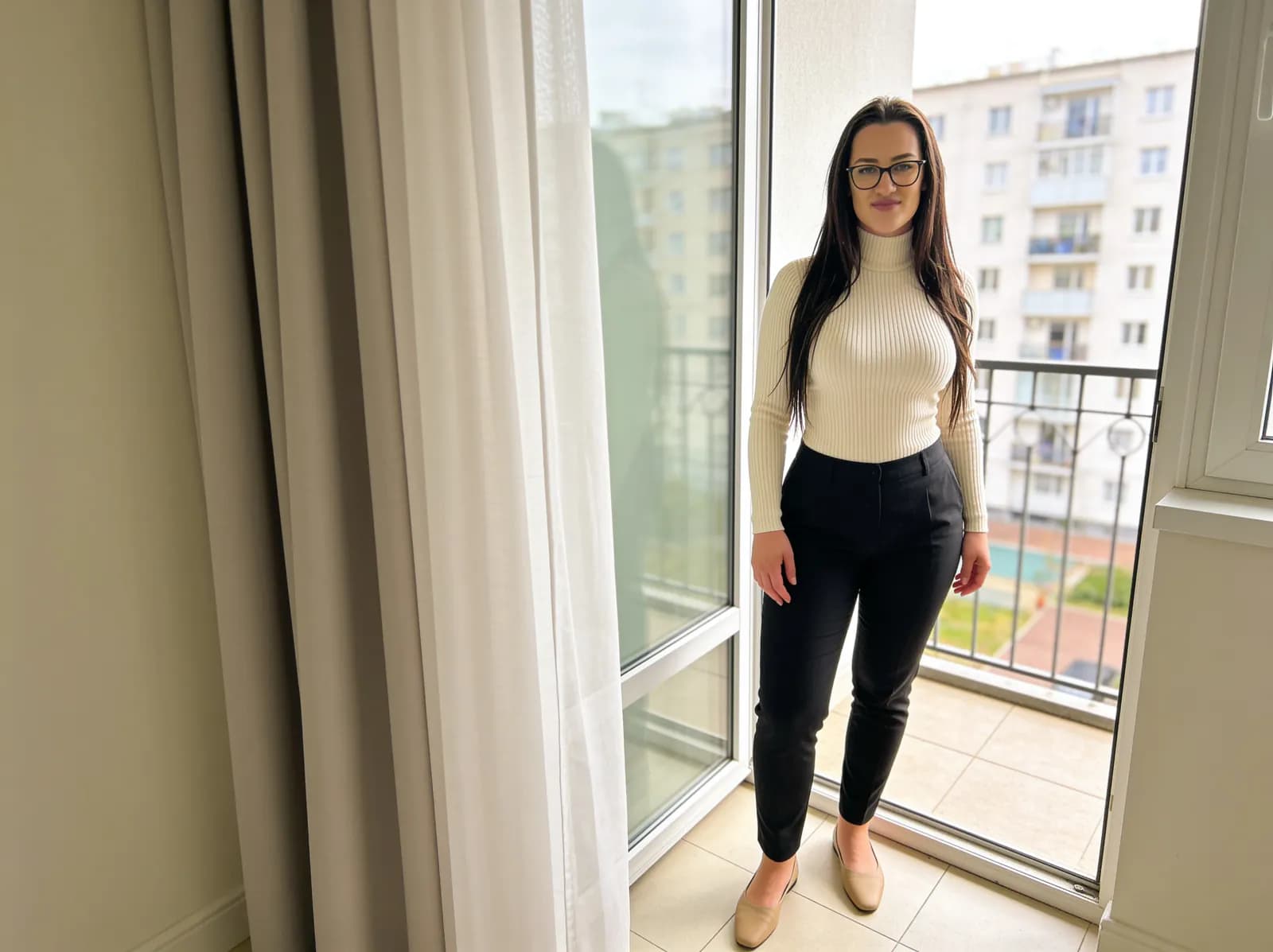
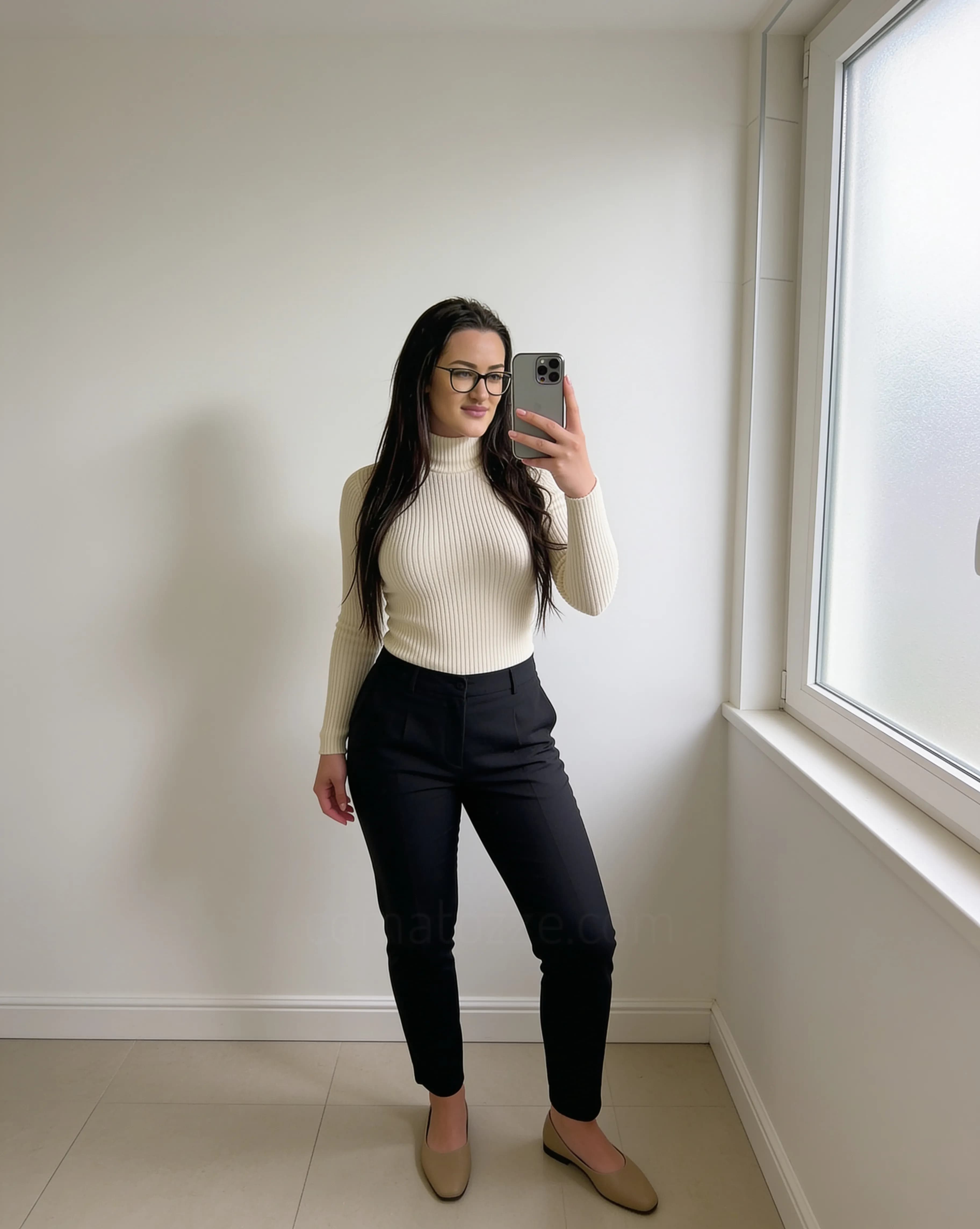
Visual examples to compare
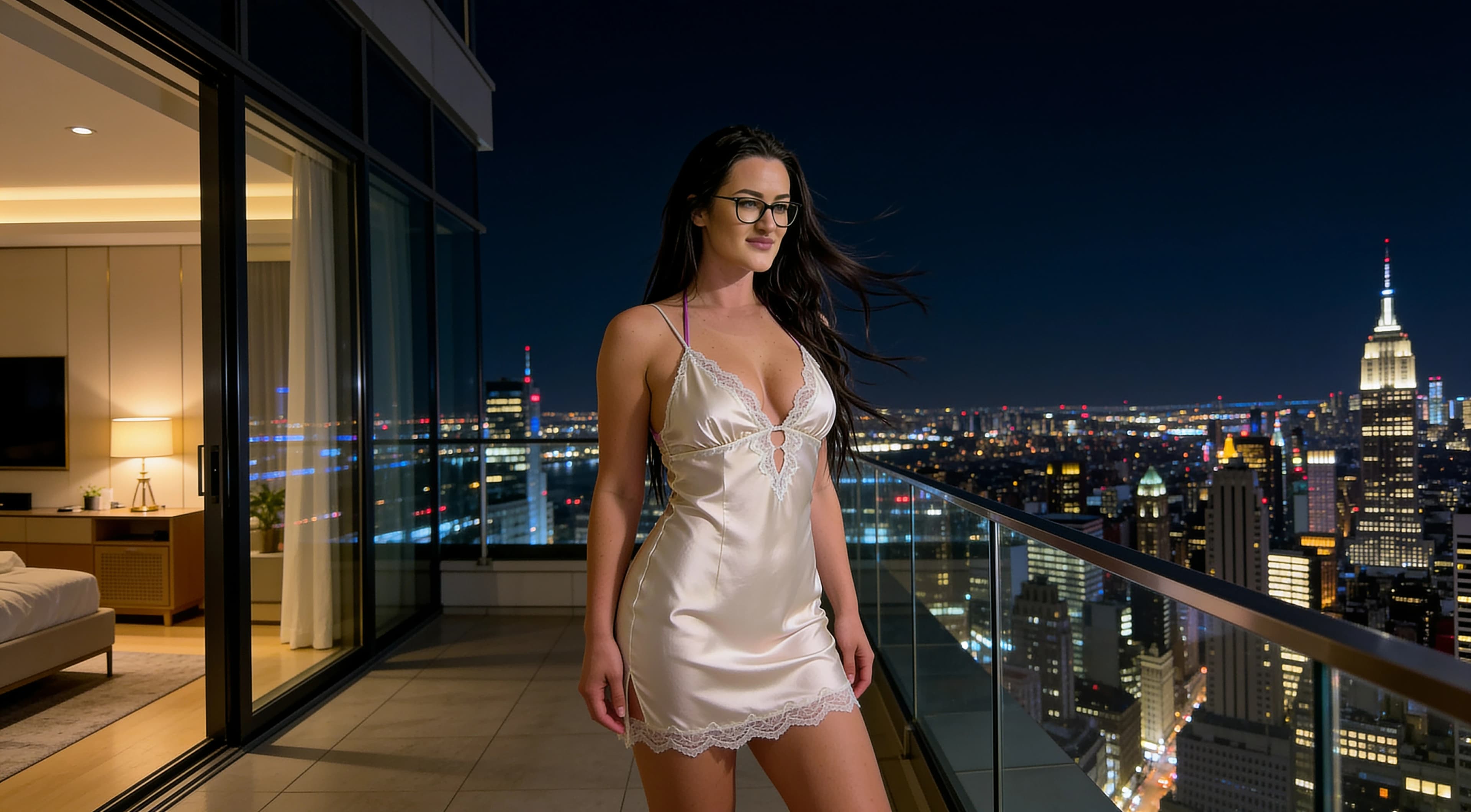
These existing visuals show ideas that can shape a walk: street depth, architecture, reflections, texture and night light. They are not maps or claims about a specific route.
How long should a photo walk be?
Shorter routes are often easier to photograph thoroughly. Walking distance matters less than the number and quality of scenes you can actually stop to observe. A few blocks with varied light and backgrounds can be more useful than a long route with few pauses.
Beginners may benefit from 60-90 minute outings, but that duration is not universal. Weather, city layout, safety, transit access, crowds and personal pace all affect how long the walk should be.
Pick a route with visual variety
A varied route helps you avoid coming home with the same frame repeated many times. Mix scene types so the final set has wide views, closer details, quiet moments and stronger graphic shapes.
Best time of day
Early morning can mean quieter streets and cleaner light. Late afternoon often brings warmer direction and longer shadows. Blue hour can make signs, windows and street lights more visible. Night can create mood, reflections and stronger contrast.
No time is universally best. Morning may have fewer crowds but less shop activity. Strong sun may create harsh contrast but also dramatic shapes. Blue hour may look beautiful but changes quickly. Night may offer lights and reflections, but phones need steadier handling. For evening scenes, read city night photography tips.
Check weather before leaving
Weather changes the look and practicality of a walk. Rain can add reflections, overcast skies can soften light, strong sun can create harsh contrast, and wind can affect portraits, clothing and small details.
Weather can also change route safety. Wet surfaces, heat, wind or low visibility may make a route less comfortable than it looked on a map. Check conditions before leaving, but do not invent a forecast into the plan.
Plan anchor locations
Three to five anchor stops are usually enough: one architecture stop, one cafe or shopfront, one open street or square, one texture/detail area and one optional night or reflection location.
Anchors are guides, not a rigid schedule. If better light appears between stops, use it. The plan exists to keep the walk balanced, not to prevent you from noticing what is actually happening.
How to find photo opportunities between stops
Between anchor locations, slow down and look for smaller visual opportunities. These are often the frames that make the walk feel personal instead of like a list of landmarks.
If people appear in the scene, be respectful and appropriate. Do not photograph strangers intrusively, and avoid turning someone into the subject of the image without care.
City photo safety
1. Stay aware of traffic.
2. Do not step into the road for a composition.
3. Avoid blocking entrances, sidewalks or transit access.
4. Do not stand on unstable ledges or unsafe edges.
5. Keep your phone secure.
6. Avoid isolated areas if they feel unsafe.
7. Respect private property.
8. Obey local rules and signage.
Keep gear simple
For phone photography, a simple setup is usually enough: phone, charged battery, power bank if needed, small lens cloth, weather protection if needed and comfortable shoes.
The point is not to buy more gear. It is to make sure the phone is ready, the lens is clean and the walk is comfortable enough that you can pay attention.
Build a balanced shot list
A shot list is a guide, not a checklist that must be completed. Use it to notice what is missing from the set while still leaving room for better unexpected frames.
Avoid repeating the same composition
Vary distance, height, direction, background, subject placement and orientation. Move from wide frames to medium frames and details. Try vertical and horizontal compositions if both make sense for the scene.
Keep the position safe and normal. You do not need extreme low or high angles from unsafe places to make a varied set. For color choices that photograph cleanly in different scenes, read colors that look good in photos.
Review during the walk
Review quickly every few stops. Check whether images are blurry, exposure is drifting too bright or dark, and every image is starting to look too similar.
Avoid spending the whole walk editing on location. Save deeper edits for later. For a simple finishing workflow, read how to edit phone photos naturally.
Common city photo walk mistakes
Quick pre-walk checklist
✓ Is the route manageable?
✓ Do I have 3-5 anchor stops?
✓ What is the likely light or weather?
✓ Is the phone charged?
✓ Is storage available?
✓ Do I know my start and end point?
✓ Are there safe walking routes between stops?
✓ Do I have one or two shot ideas per location?
Example simple photo-walk structure
Start: quiet street / architecture
Begin somewhere calm enough to warm up, check light direction and take one establishing frame.
Stop 1: cafe or storefront
Look for signs, windows, color, chairs, reflections and small details without blocking the entrance.
Between: details, textures, reflections
Use the walk between stops for close crops, light/shadow, patterns and quieter backgrounds.
Stop 2: open square or park edge
Add breathing room to the set with a wider frame, open light or a cleaner background.
Stop 3: urban wall / doorway / architecture
Use lines, texture and structure for a portrait, full-body frame or graphic composition.
Finish: blue-hour or night-light location if appropriate
End somewhere safe and easy to leave from, with lights, windows or reflections if the timing supports it.
Some city photos can also work well as phone backgrounds if they leave enough clean space for icons and widgets. For that use case, see phone wallpaper ideas.
When indoor stops are part of the walk
Cafes, transit interiors, hotel lobbies or covered passages can become useful pauses if they are public and photography is allowed. Indoor light behaves differently from street light, so watch for mixed color and bright windows.
For phone settings and light choices inside, read natural indoor phone photography.
About the visual examples
Sofia is a fictional virtual creator. Any visual examples on this page are digitally created and used to illustrate route planning, composition, lighting and city-photography concepts.
About this guide
Sofia is a fictional virtual creator. This guide is published by SofiaRusso.vip and maintained by the site owner. AI tools may assist with drafting or illustrative imagery, while the final published material is reviewed before publication.